Confirm Vehicle Compatibility
Review the product description, supported vehicle requirements and any model-specific limitations.
Sound Systems
Smart Connectivity
Navigation Accessories
Camera Systems
Monitoring Tools
Battery Support
In-Car Power

MAGIC JOHN 360° Rotating Suction Car Phone Mount
Accessories

15W MagSafe Car Mount Charger with Strong Magnetic Hold
Accessories

11.5" Portable CarPlay Screen with 4K Dash Cam & GPS
Car & Vehicle Electronics

15W MagSafe Wireless Car Mount Charger for iPhone 16/15/14
Accessories

15W Wireless Car Charger for Ford Mustang 2015-2021
Accessories

Ehaho 1000W Slim Underseat Powered Car Subwoofer
Car & Vehicle Electronics

20A 12V/24V Smart Car Battery Charger & Automatic Maintainer
Motorcycle & Powersports

66205A179A0 PDC Parking Sensor for BMW i7 X7 XM 2023-2024
Categories

8-Sensor Car Parking Radar System with Reverse Assistance
Car & Vehicle Electronics

4-Channel 1080P Backup Camera System for RVs & Trucks
Car & Vehicle Electronics
RoadCore Buying Guides
Use RoadCore buying guides to compare in-car electronics by purpose, compatibility, installation needs and the way each product fits into your everyday driving setup.
Guide Finder
Select a category below to see the most important questions to answer before buying. The right choice begins with function, vehicle compatibility and installation context.
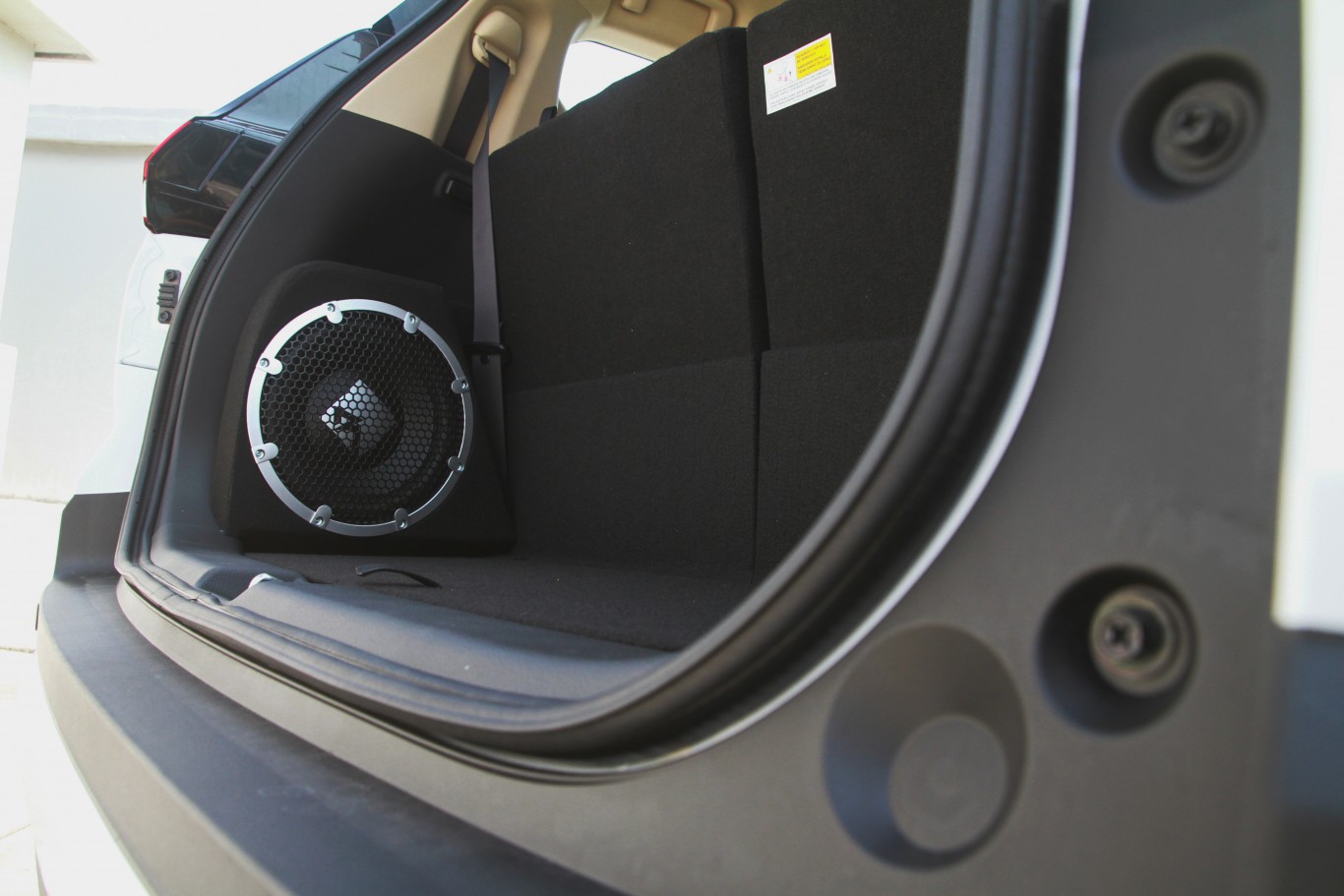
Compare speakers, stereos, amplifiers, subwoofers and Bluetooth adapters by fit, power requirements, connection type and the kind of listening experience you want inside the vehicle.
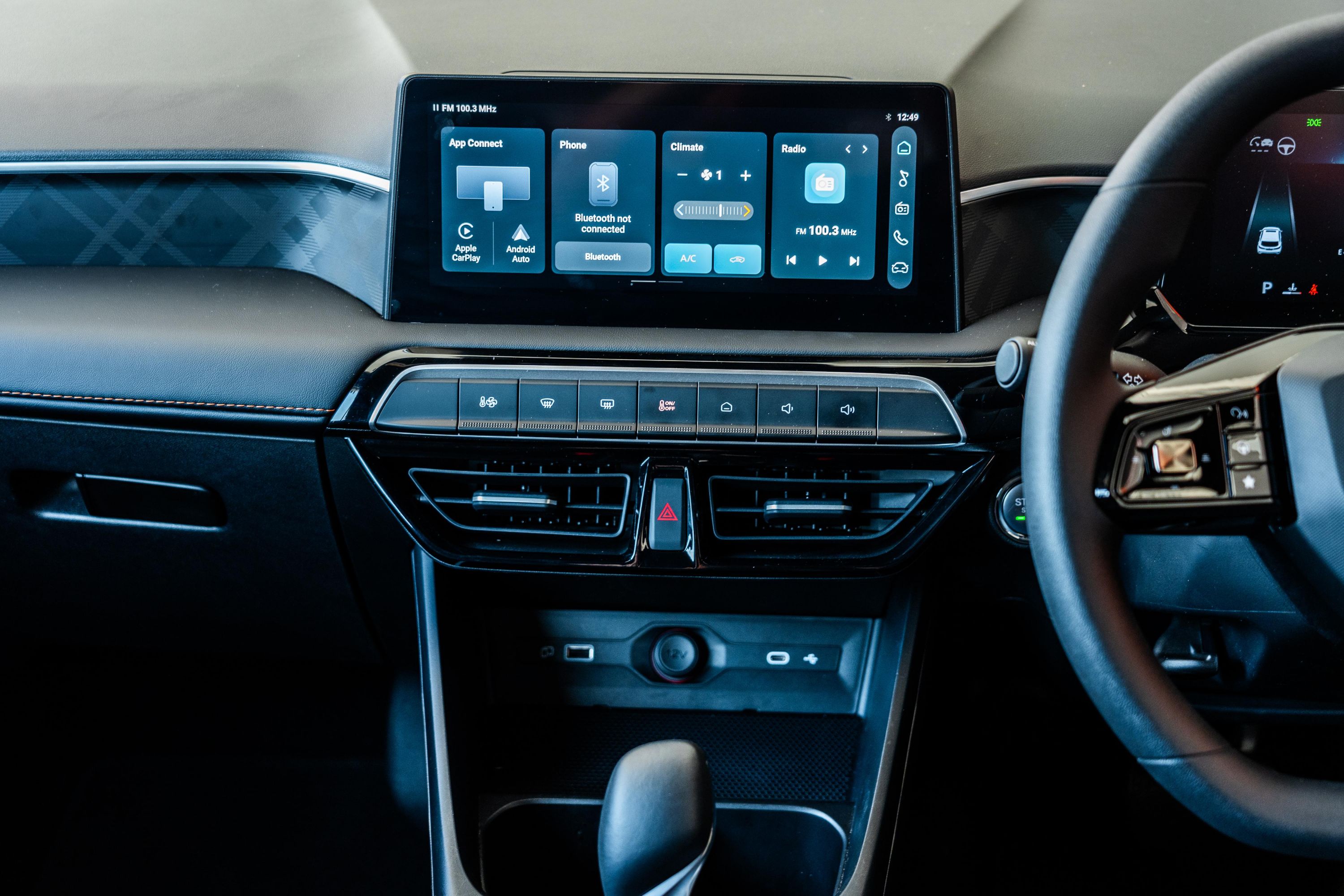
GPS devices and connected displays should match your available dashboard space, preferred phone ecosystem and the way you want to access maps, media and calls while driving.
Cameras, parking sensors, OBD-II scanners and TPMS systems should be selected around vehicle compatibility, viewing position, sensor requirements and the data you want to access.
Battery chargers, inverters, jump starters and in-car chargers need to match voltage, output, connection type and the devices or vehicle systems you intend to support.
Audio Buying Guide
A stronger audio upgrade comes from matching components rather than choosing each product in isolation. Start with the space available in the vehicle, then work through power, connectivity and the sound profile you want.
Safety Buying Guide
Safety and diagnostic devices serve different jobs. Decide whether you need recorded footage, rear visibility, parking assistance, tire monitoring or vehicle diagnostic data before comparing individual products.


Power Buying Guide
Power products can look similar while serving very different purposes. Compare voltage, output capacity, connectors and intended use before selecting equipment for charging, emergency starting or in-car power.
Buying Checklist
A few practical checks can prevent the most common fit and compatibility problems with automotive electronics.
Review the product description, supported vehicle requirements and any model-specific limitations.
Check speaker diameter, dashboard opening, mounting area, cable clearance or trunk space as required.
Confirm voltage, plugs, ports, Bluetooth support, wiring and any adapters your setup may require.
Review what comes in the package and whether your installation requires additional compatible hardware.
After Purchase
Buying the right automotive electronics also means knowing what happens after the order is placed. RoadCore keeps its core service standards clear.
Standard shipping is included across the RoadCore catalog.
Standard RoadCore order delivery is 3–5 calendar days.
Eligible returns and exchanges are free within 30 days.
RoadCore customer support is available around the clock.
Need More Guidance
RoadCore support is available 24/7 for questions about product fit, compatibility, orders, shipping, returns or your shopping experience.